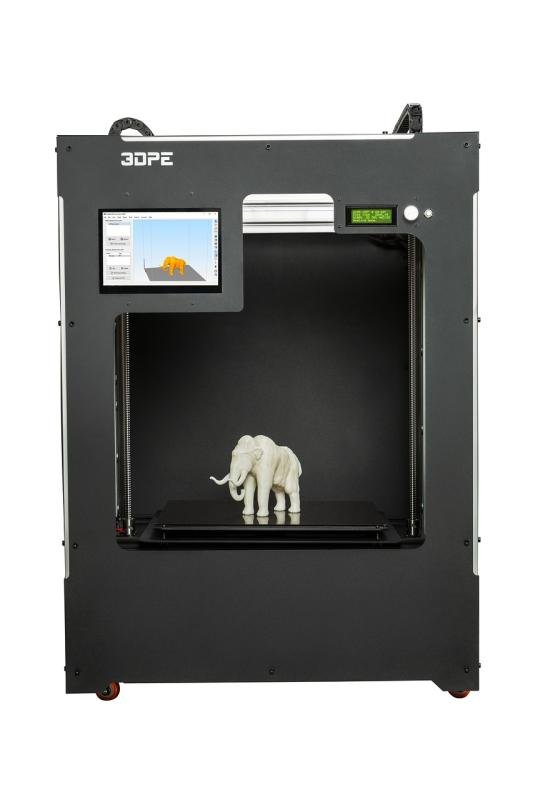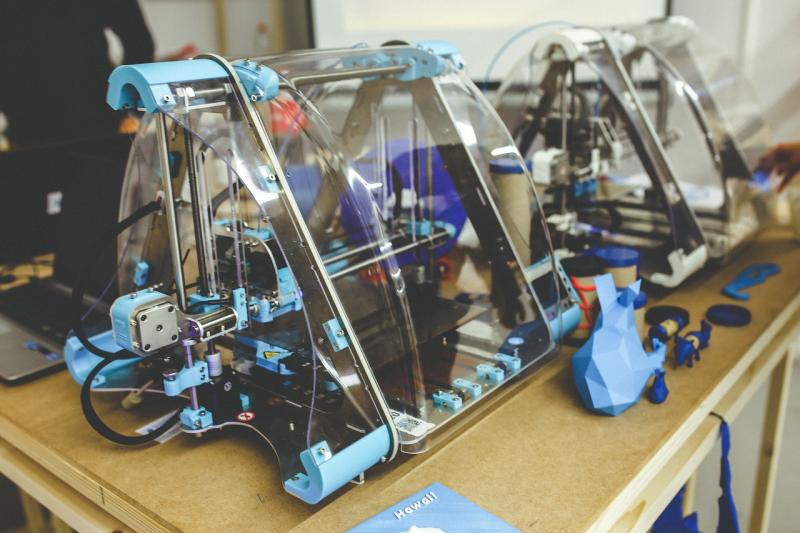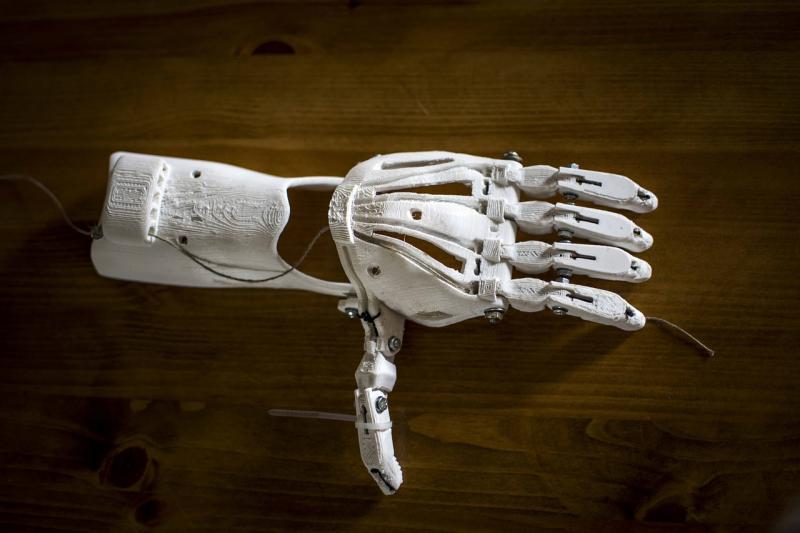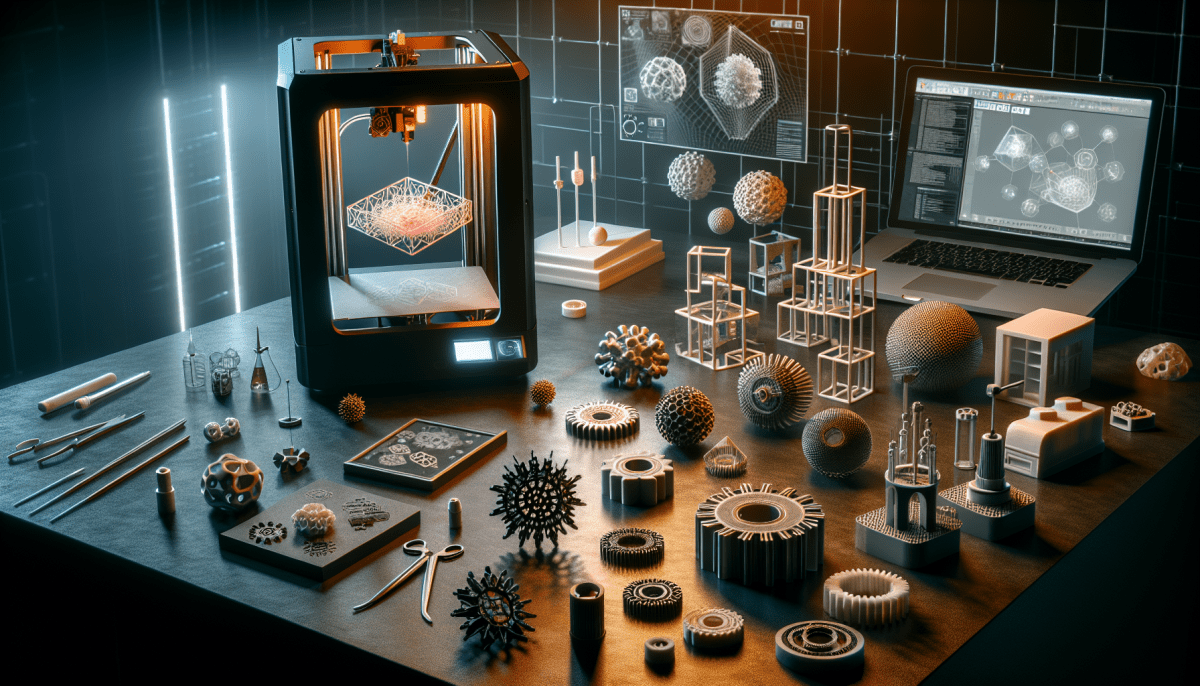
Getting into 3D printing is super exciting! If you’re just starting out, don’t worry; it’s easier than you might think. First off, you’ll need a 3D printer. There are tons of options out there, so look for something within your budget that fits your needs. Some beginner-friendly models come fully assembled, which saves you the hassle of building it from scratch.
Next, grab some filament, which is the material used to create your 3D prints. PLA is a great choice for beginners. It’s easy to work with, eco-friendly, and comes in a rainbow of colors. You can find it in different weights and spool sizes, so choose what suits your project best.
Once you've got your printer and filament, it’s time to find some designs to print. Websites like Thingiverse and MyMiniFactory offer thousands of free files you can download and print. Just pick a design, download the file, and use slicing software to prepare it for printing. This step is super important; it converts the 3D model into a format your printer can understand.
Now, you're ready to print! Load your filament and start your printer. Make sure to keep an eye on things, especially for your first few prints. You’ll learn a lot from watching how the printer operates and how your designs turn out. Don't get discouraged if things don't go perfectly at first; 3D printing is all about trial and error!
Understanding 3D Printer Types
Getting into 3D printing can feel overwhelming with all the different types of printers out there. Don’t worry! Let’s break it down in a simple way that makes sense. The three main types of 3D printers are FDM, SLA, and SLS. Each one works a bit differently and serves different needs.
FDM, or Fused Deposition Modeling, is the most common type. These printers use plastic filament that melts and then layers it to build your design from the bottom up. They’re perfect for beginners because they’re usually affordable, easy to find, and have a wide range of materials to choose from. If you’re looking to make things like toys, prototypes, or simple parts, FDM is often the way to go.
Next up is SLA, or Stereolithography. SLA printers use a resin that gets cured by a laser, layer by layer, which leads to super high detail. If you want to create intricate designs or models like jewelry or miniatures, SLA is a fantastic choice. The catch? These printers can be a bit pricier and the resin can get messy, so be prepared for a little extra work.
Lastly, we have SLS, or Selective Laser Sintering. These machines use a laser to fuse powdered material together, creating strong parts. They’re often used in professional settings for complex or functional designs and can handle materials like nylon and metal. If you’re into serious engineering or industrial work, SLS might be your best bet.
Now that you know the basics, think about what you want to make. Each printer has its strengths, so pick the one that fits your project and budget best. Happy printing!
Key Features to Look For
When you're diving into 3D printing, knowing what features to look for can make all the difference. Here are the key things to consider before making a purchase.
Build Volume: This is how big your printed items can be. If you’re planning to create something large, make sure your printer has a roomy build area. A common size for beginners is around 200 x 200 x 200 mm, but go bigger if you need to!
Print Quality: Look for printers that can deliver high resolution. You’ll want a printer that can handle layers as thin as 0.1 mm. This makes your final product look smooth and professional.
Filament Compatibility: Not all printers work with every type of filament. Check if the printer supports materials like PLA, ABS, or PETG. PLA is great for beginners since it’s easy to work with and less prone to warping.
Ease of Use: If you’re just starting out, an easy setup is super important. Look for features like auto bed leveling and a user-friendly interface. You want to spend more time printing and less time troubleshooting!
First Steps in 3D Design
Starting with 3D design can feel a bit overwhelming, but it doesn’t have to be. You can dive right in with a few simple steps. The first thing you'll want to do is pick a software that feels right for you. There are many options out there, and some are beginner-friendly. Look for programs like Tinkercad or SketchUp. They come with easy tutorials to help you get started.
Once you have your software, it’s time to play around! Start with basic shapes like cubes and cylinders. These building blocks form the foundation of any design. Get comfortable moving them around, resizing, and combining them to create something unique. Don't stress about perfection. The goal here is to experiment and learn how different tools work.
After you’ve tried your hand at creating simple shapes, consider following some online tutorials specific to the software you chose. YouTube can be a treasure trove of helpful videos. Watching someone else go through the steps can clear up confusion and spark your creativity. Plus, you'll see real-world examples of what you can achieve.
Finally, when you feel ready, try designing something that excites you! Whether it's a keychain, a phone stand, or a mini sculpture, putting your skills to the test will give you a boost in confidence. And don’t forget, practice is key! The more you design, the better you’ll get. Just enjoy the process!